See
A live inventory of every model, agent and tool in use, and who owns each one.
Misa Central
Everything you need to run AI responsibly, in one console. Every screen shows live state and an action you can take.
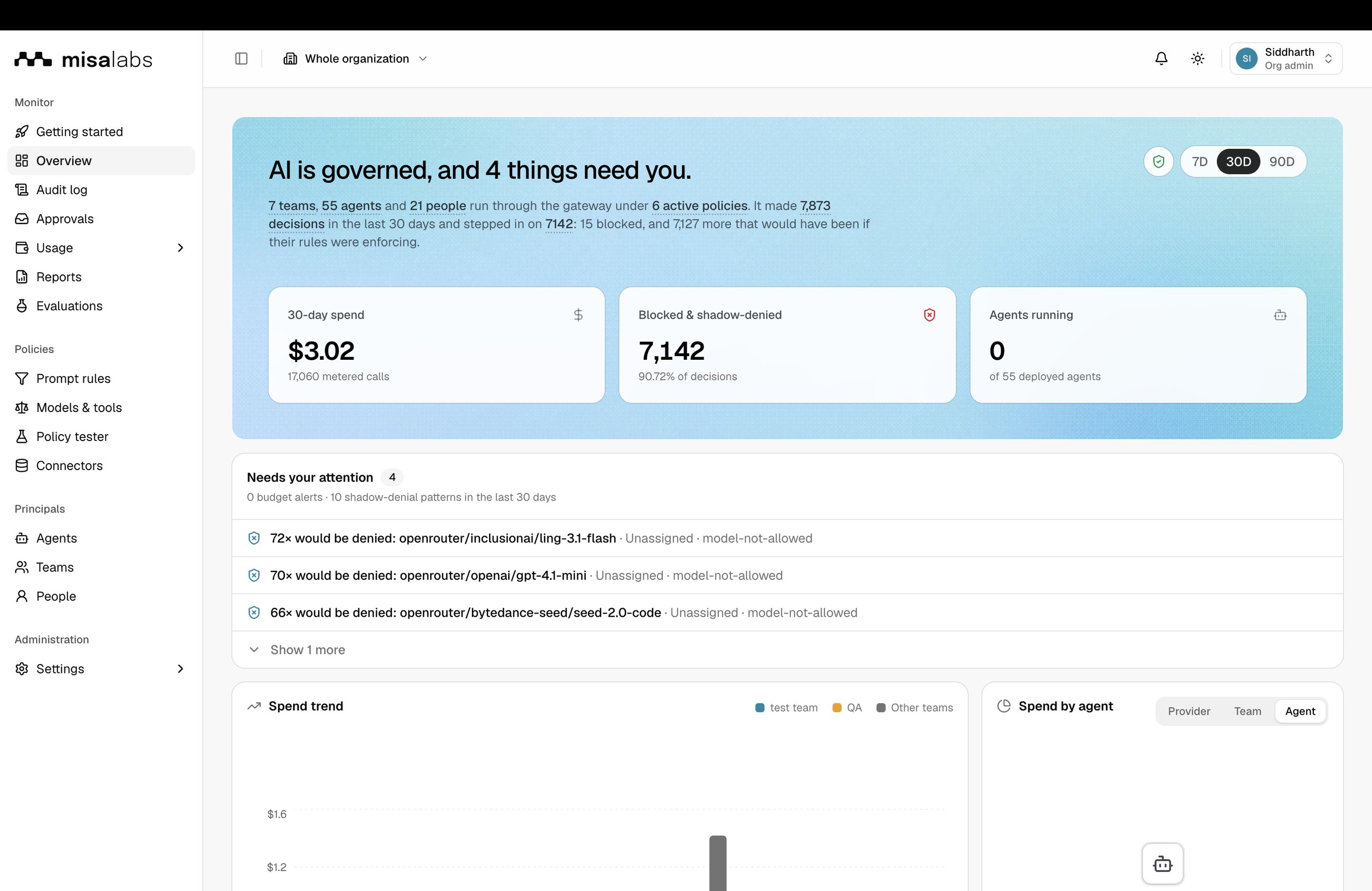
An admin console built for the people who answer for AI: the head of AI engineering, the CFO and the CISO. Every screen shows live state and an action you can take.
A live inventory of every model, agent and tool in use, and who owns each one.
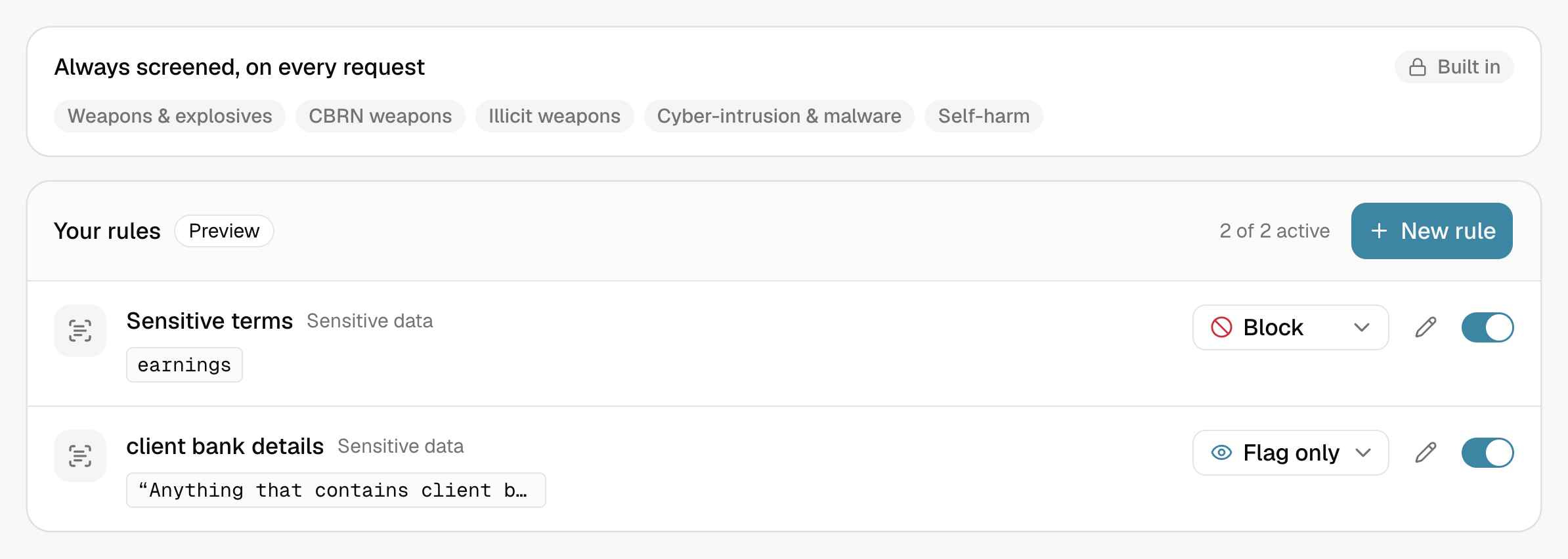
Your policies, enforced at the gateway before the model sees the prompt.
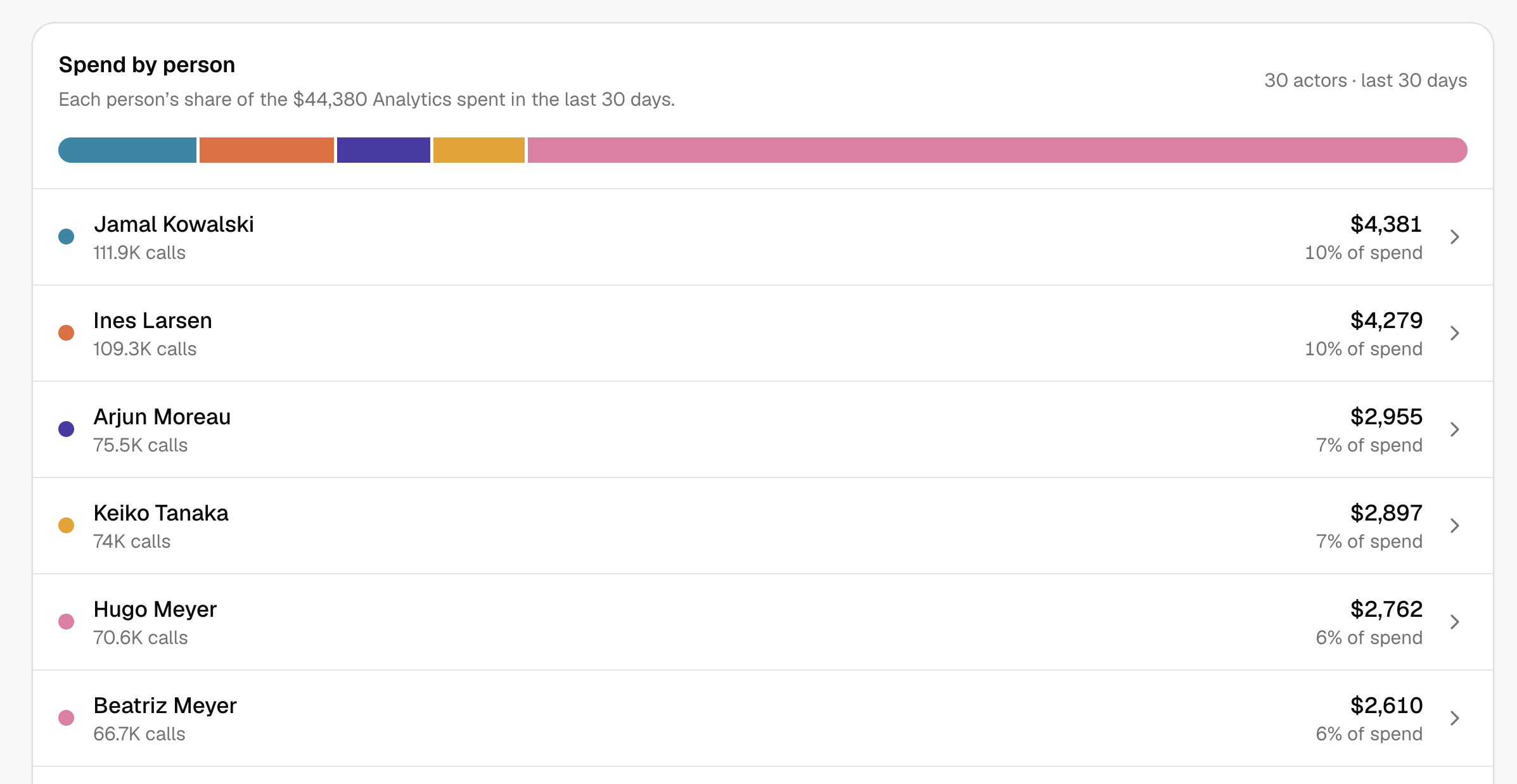
See what every team, model and workload costs as it happens, and set limits before the bill arrives.
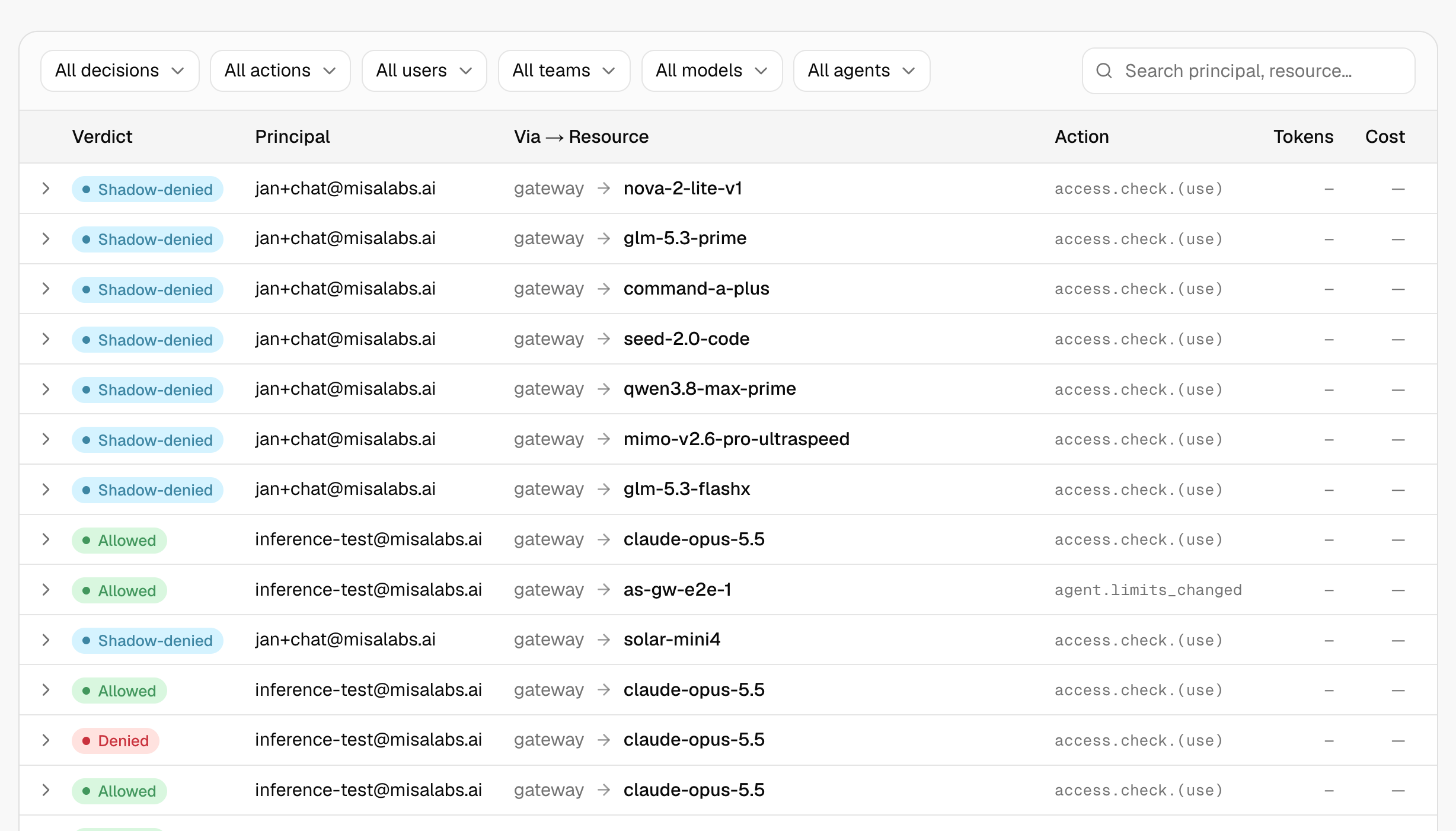
Decide who can use which models and data, and keep an audit trail of what ran.
Misa Central sits in the path of AI requests, enabling it to enforce policies before requests reach a model, not simply report activity after the fact. Bring existing AI tools, third-party agents and models under a common layer of governance, visibility and control.
Agents built in Agent Studio and models deployed through Misa Deployment inherit these controls automatically.
One gateway, one set of components, and a way to ship agents without a governance review for each one.
A cost line per team and use case that reconciles with the invoice, and the data to ask whether it was worth it.
Rules that act before data leaves, an approvals queue, and an audit trail you can hand to a regulator.